How To Transfer Money To A Bank Account

Picture this: You’re at a friend’s place, they’ve just told you their bank account number like it’s a secret code to unlock free pizza forever, and you’re suddenly like, *"Oka...

Picture this: You’re at a friend’s place, they’ve just told you their bank account number like it’s a secret code to unlock free pizza forever, and you’re suddenly like, "Okay, but how do I actually send them money without turning into a human ATM?"
No worries—transferring money to a bank account isn’t rocket science, but it does feel like trying to navigate a GPS that keeps recalculating. The good news? Once you’ve done it a few times, it becomes as easy as ordering takeout. Let’s break it down so you can send cash like a pro (or at least like someone who hasn’t Googled "how to wire money" at 2 AM).
Step 1: Gather Your Details (aka Don’t Wing It Like a Bad Wingman)
First things first—you need the recipient’s bank account number and sort code (if you’re in the UK) or routing number (if you’re in the US). Think of this like asking for someone’s phone number before calling them. You wouldn’t just shout "Hey, can you hear me?" into the void, right?
Must Read
Pro tip: If you’re sending money to a friend, ask them to double-check their details. Nothing kills a good moment faster than a "Sorry, wrong account—try again!" text. We’ve all been there.
Where to Find These Details
For your own account, check your bank’s app or website. It’s usually under something like "Account Info" or "Payments." If you’re using a debit card, the numbers might be on the back—just don’t scratch them off like you’re trying to win a lottery.
If you’re sending money to someone else, they’ll usually give you the number directly. But if they’re being mysterious, you might have to ask nicely—"Hey, can you send me your account details so I can finally pay you back for that coffee you bought me last month?"
Step 2: Choose Your Transfer Method (aka Pick Your Weapon)
Now comes the fun part: deciding how you’re going to send the money. There are a few options, and each one feels a little different—like choosing between a bike ride, a bus, or a helicopter for a quick trip to the store.
Option 1: Bank Transfer (The Reliable Old School Way)
If you’re using your bank’s app or website, this is the classic route. Log in, find the "Payments" or "Transfers" section, and enter the details. It’s like sending a letter—sure, it takes a little longer, but it gets there.
Most banks let you schedule transfers too, so you can set it up now and forget about it until the money arrives. Perfect for when you’re too busy scrolling TikTok to remember to pay someone back.
 Step by Step Guide to Transfer Money from PayPal to Your Bank Account
Option 2: Mobile Payments (The Fast Lane)
Apps like PayPal, Venmo, or Cash App make sending money feel like texting—quick, easy, and sometimes even fun. Just link your bank account or card, and boom, money’s on its way.
These apps are great for splitting bills or paying back friends, but remember: not everyone uses them. If your friend’s still using good ol’ bank transfers, you might have to do a little extra work.
Option 3: In-Person Transfers (The Old-School ATM Dance)
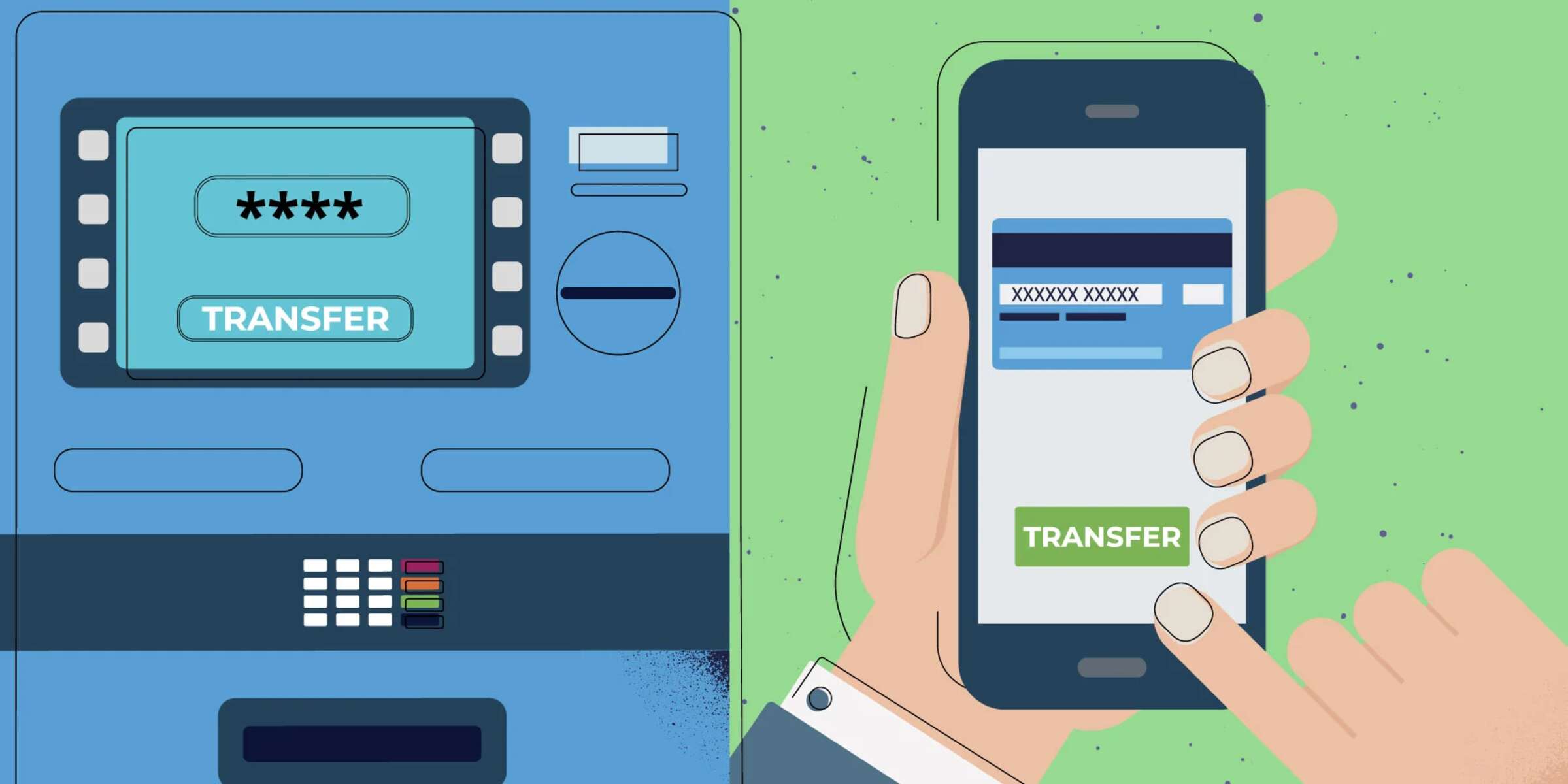
If you’re feeling nostalgic, you can always use an ATM. Pop in your card, select "Transfer" or "Pay Someone," and follow the prompts. It’s like using a vending machine, but for money instead of snacks.
Just don’t be that person who stands in line at the ATM for 20 minutes because they forgot their PIN. We’ve all been there.
Step 3: Enter the Amount (aka Don’t Accidentally Send Your Rent Money to Your Roommate)
This is where things get serious. Double-check the amount—because nothing says "I’m not responsible" like sending £100 instead of £10. Trust me, I’ve seen it happen.
If you’re using an app, some even let you add a note, like "For the pizza fund—don’t ask questions." It’s a nice little reminder for both of you.
 How To Do Money Transfer From Bank To Bank | Robots.net
Step 4: Confirm and Send (aka Hit Send Like You’re Posting a Selfie)
Before you hit "Send," take a deep breath. This is the point of no return—like ordering food and realizing you’ve just committed to a week’s worth of leftovers.
Most apps and banks will ask you to confirm the details one last time. If everything looks good, go ahead and send it. You’ll usually get a confirmation right away, so you can relax knowing the money is on its way.
Step 5: Wait for It to Arrive (aka The Torture of Waiting for a Text Back)
Now comes the waiting game. Bank transfers can take a few hours to a couple of days, depending on your bank and the time of day. It’s like waiting for a friend to reply to your text—you check your phone every five minutes, even though you know they’re probably just busy.
If you’re using a mobile payment app, the money usually arrives almost instantly. It’s like getting a text back in 30 seconds—magical.
Bonus: What If Something Goes Wrong?
Even the best-laid plans can go sideways. If the money doesn’t arrive, don’t panic. Contact your bank or the payment service right away. They’ll usually help you sort it out—it’s like calling customer service, but for money instead of a broken toaster.
And if you accidentally send money to the wrong account? Don’t stress. Some banks can reverse the transfer if you act fast. Just don’t wait too long—because once that money is gone, it’s like trying to get a refund from a food truck that’s already closed for the day.
So there you have it—sending money to a bank account is easier than it seems. Just take it step by step, double-check your details, and before you know it, you’ll be sending cash like a pro. And who knows? Maybe next time, you’ll even enjoy doing it.
