Why Is My Phone Not Recognizing My Face

So, there I was, standing in the bustling coffee shop, my latte in one hand, and my phone in the other. I looked at my phone, then at my reflection in the window, and back at...
So, there I was, standing in the bustling coffee shop, my latte in one hand, and my phone in the other. I looked at my phone, then at my reflection in the window, and back at my phone. I thought to myself, "This should be easy. I mean, it's my face, right?" But no, my phone just stared back at me, blank and unresponsive. It was like trying to teach a cat to fetch - not happening.
Now, I know what you're thinking. "But you're holding your phone like a caveman! Of course, it's not recognizing you!" Well, let me assure you, I was holding it just right. Palm up, about 8-10 inches away from my face. I even tried squinting a bit, you know, just in case it was having trouble with my contacts. But nope, still nothing.
Why the Cold Shoulder, Phone?
So, why was my phone giving me the cold shoulder? I mean, we've been through so much together. It's seen me at my best (and worst) - it's high time it recognized me, right? Well, it turns out, there are a few reasons why your phone might not be playing nice with your face.
Must Read
Reason 1: Your Phone's Having a Bad Hair Day
Now, before you go blaming your face (or lack thereof), let's talk about your phone. Is it having a bad hair day? I mean, is the camera lens smudged or covered in something that's not supposed to be there? Remember, your phone's camera is like your face - it needs to be clean and clear for it to work properly.
So, grab a soft, lint-free cloth and give your phone's camera a gentle wipe. You might also want to check if there's any dirt or debris blocking the lens. If there is, a quick blast of compressed air should do the trick. Just remember to keep the nozzle a safe distance away from the lens - we don't want to cause any accidental damage.
Reason 2: Your Face Has Changed More Than a Chameleon
Now, let's talk about you. Have you changed? I don't mean your personality (although that's always evolving, isn't it?), I mean your appearance. Have you grown a beard? Gotten a new haircut? Lost or gained some weight? These changes can throw your phone's facial recognition off, especially if it hasn't been updated in a while.
To fix this, you might need to retrain your phone's facial recognition. Most phones have an option to do this in their security settings. It's usually a simple process of taking a new selfie (which, let's face it, is always fun) and letting your phone analyze your new look.
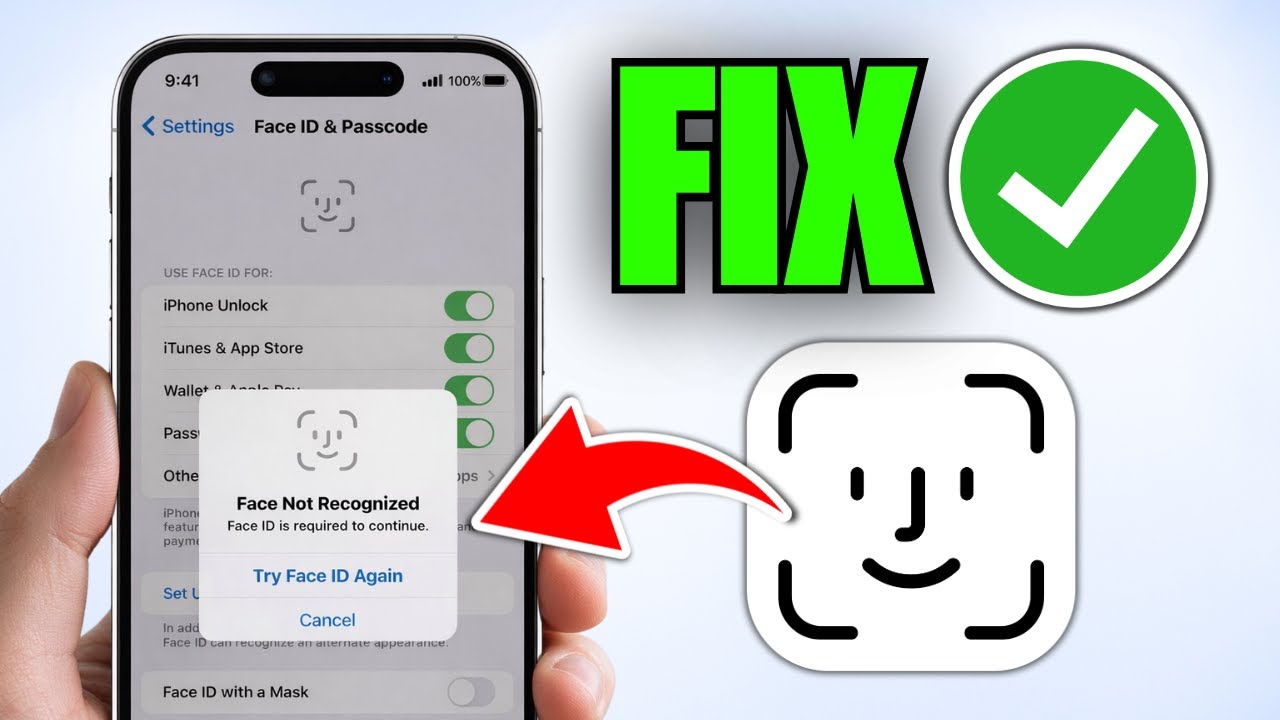
 How to Fix Face ID Not Recognized on iPhone (tutorial) - YouTube
Reason 3: Your Phone's Just Being Stubborn
Sometimes, technology just doesn't want to play nice. Your phone might be having a glitch, or it could be that the facial recognition feature just needs a little reset. Here are a few things you can try:
- Turn your phone off and on again. I know, I know, it's the ultimate tech cliché, but it really does work sometimes.
- Try removing and re-adding your face to the facial recognition system. You might need to delete your existing face data and start fresh.
- If all else fails, a factory reset might do the trick. Just remember to back up your data first - we don't want you losing all your precious photos and messages.
When All Else Fails, There's Always the Passcode
Alright, so you've tried everything and your phone still won't recognize you. It's like trying to reason with a toddler who's having a tantrum - sometimes, it's just easier to give in and use the passcode. At least until you can figure out what's really going on.
And remember, it's not just about convenience. Facial recognition is a security feature, and if it's not working properly, your phone (and your data) could be at risk. So, don't ignore the problem - take the time to figure out what's going on and fix it.
Now, if you'll excuse me, I've got a date with my phone's camera lens and a bottle of lens cleaner. Wish me luck!
